Why Mtschat never asks for your Instagram password
How the official Messaging API differs from password-sharing tools, which permissions you grant, how to revoke them, and why it matters for account safety.
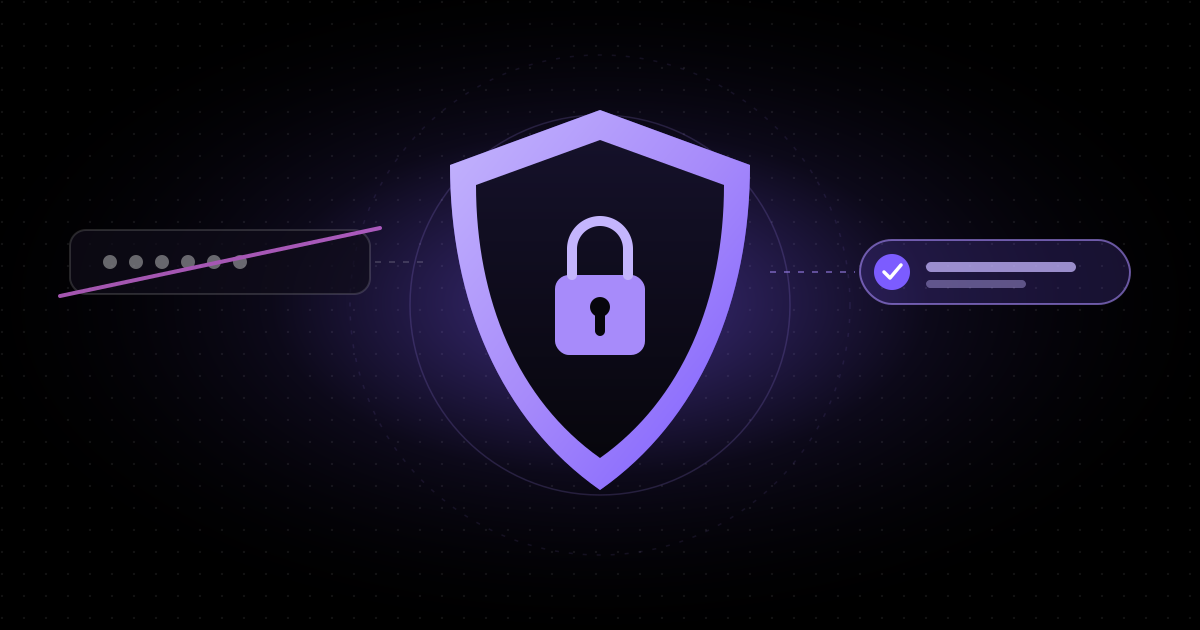
If an Instagram tool asks you to type in your password, close the tab. That is the short version of this article. The longer version explains why Mtschat was built so that it never needs your password, what you grant instead, how to take that access back at any time, and what all of this means for the safety of an account you have spent years building.
Two ways to automate Instagram DMs
Broadly, there are two ways a third-party tool can send messages from your Instagram account.
1. Password-sharing tools
Some tools ask for your username and password, then log in as you — often from servers in another country, sometimes through a simulated phone or browser. From Instagram’s point of view, the tool is you. It can read everything you can read, send anything you can send and change anything you can change.
This approach has obvious problems:
- You hand over the keys. The tool stores a credential that unlocks your whole account, not just your messages. If that tool is breached, so is your account.
- Logins look suspicious. Sign-ins from unfamiliar locations and devices are exactly what platform security systems are designed to flag. That can trigger verification challenges, temporary locks or worse.
- It sits outside the rules. Automating an account by logging in as the user is not how Meta intends third-party software to work with Instagram. Tools built this way can stop working overnight — and the account doing the automating carries the risk.
- Two-factor authentication gets in the way. Some tools ask you to disable it, or to share codes with them. Either way, a key layer of protection is weakened.
2. The official Messaging API
The alternative is to use the interface Meta provides for exactly this purpose. Mtschat is built on Instagram’s official Messaging API — Meta’s Instagram API with Instagram Login or Facebook Login. Instead of giving us your password, you sign in with Instagram or Facebook directly, on their own screens, and approve a specific set of permissions for Mtschat.
We receive an access token scoped to those permissions. We never see your password, never store it and never log in as you. Messages are sent and received through the API, the way Meta designed it.
Only replying to people who reach out first
The Messaging API is built around conversations that the other person starts. Someone comments on your post, replies to your story or sends you a DM — and that action opens the door for your account to respond. Mtschat follows the same principle: it only replies to people who have initiated contact.
That is why the comment-to-DM flow works the way it does. When someone comments “GUIDE” under your Reel, Mtschat posts a public reply and sends them a DM with a button. Tapping that button opens Instagram’s 24-hour messaging window, and the link is delivered inside it. Every step is a response to something the person chose to do. Our comment-to-DM guide walks through the full set-up.
The same logic applies to broadcasts. They only reach contacts who have messaged you within the last 24 hours, in line with Instagram’s rules. You cannot use Mtschat to cold-message people who have never interacted with you, and that is deliberate. Unsolicited messaging is how accounts get reported, and it is not the kind of growth that lasts.
For the details of how the window works, see Instagram’s 24-hour messaging window, explained.
What permissions you grant
When you connect Instagram to Mtschat, the Instagram or Facebook login screen lists the permissions being requested before you approve anything. They cover what a DM automation platform actually needs, such as:
- Reading basic profile information for the connected professional account, so we can show which account is linked.
- Receiving and sending direct messages for that account, so automations and your team can reply.
- Reading and replying to comments on your posts, so comment-triggered automations can respond.
Those permissions are scoped to the account you connect. They do not give Mtschat your password, the ability to change your login details, or access to unrelated parts of your account. The exact wording on the consent screen is set by Meta and may change over time; always read it before you approve.
Inside your Mtschat workspace
Access inside Mtschat is controlled separately. In the Team Inbox, role-based permissions decide which teammates can view conversations, reply, edit automations or manage billing. Adding a colleague to Mtschat never requires sharing your Instagram login with them — another advantage over tools where the password is the only key.
How to revoke access
You stay in control. There are two ways to cut the connection, and you can use either at any time:
- From Mtschat. Disconnect the Instagram channel in your workspace settings. Automations stop running for that account immediately.
- From Instagram or Facebook. In your Instagram or Meta account settings, find the list of connected apps and business integrations, select Mtschat and remove it. This invalidates the access token from Meta’s side, whether or not you ever open Mtschat again.
Because there is no password involved, there is nothing to change afterwards. Revoking the token ends the access. Compare that with a password-sharing tool, where the only real fix is to change your password and hope no copy of the old session survives.
Disconnecting does not delete your Mtschat data. Your contacts, tags and flows remain in your workspace, so you can reconnect later and pick up where you left off. If you want your data deleted, contact privacy@mtschat.com.
What this means for account safety
No tool can promise that an account will never face a platform review. What the official API does is remove the most common self-inflicted risks:
- No stored password that could leak.
- No suspicious logins from unfamiliar devices or locations.
- No need to weaken two-factor authentication.
- No cold outreach to people who never contacted you.
- A connection you can revoke in one step, from either side.
Your own habits still matter. Keep two-factor authentication on, keep your messages relevant to the person who asked, and make it easy for people to stop receiving automated replies. Good automation should feel like a fast, helpful reply — not like a campaign that arrived uninvited.
Questions to ask any automation tool
Whether you use Mtschat or something else, a few questions will tell you quickly how a tool connects to your account:
- Does it ask for my Instagram password, or send me to Instagram or Facebook to approve access?
- Can I see exactly which permissions it requests before I approve them?
- Will it message people who have never contacted me?
- Can I revoke its access from my Instagram or Meta settings without contacting the vendor?
If the answers are “password”, “no”, “yes” and “no”, look elsewhere.
Where to read more
Our security page describes how we protect workspace data, and our privacy policy explains what we process and why. If you find a vulnerability, please report it to security@mtschat.com.